
Microsoft End of Support October 2026: Your IT Checklist
On October 13, 2026, a handful of Microsoft products that are probably still running somewhere in your organization stop getting security fixes on the same day. No alarm will sound and nothing will crash. The software will just quietly become a little easier to break into every month after that.
This Microsoft end of support October 2026 deadline is one of the busiest in years, and it lands about two weeks from now, right in the middle of budget season. Here's what's expiring, what it means for your business, and what to do before the 13th.
The Quick Take
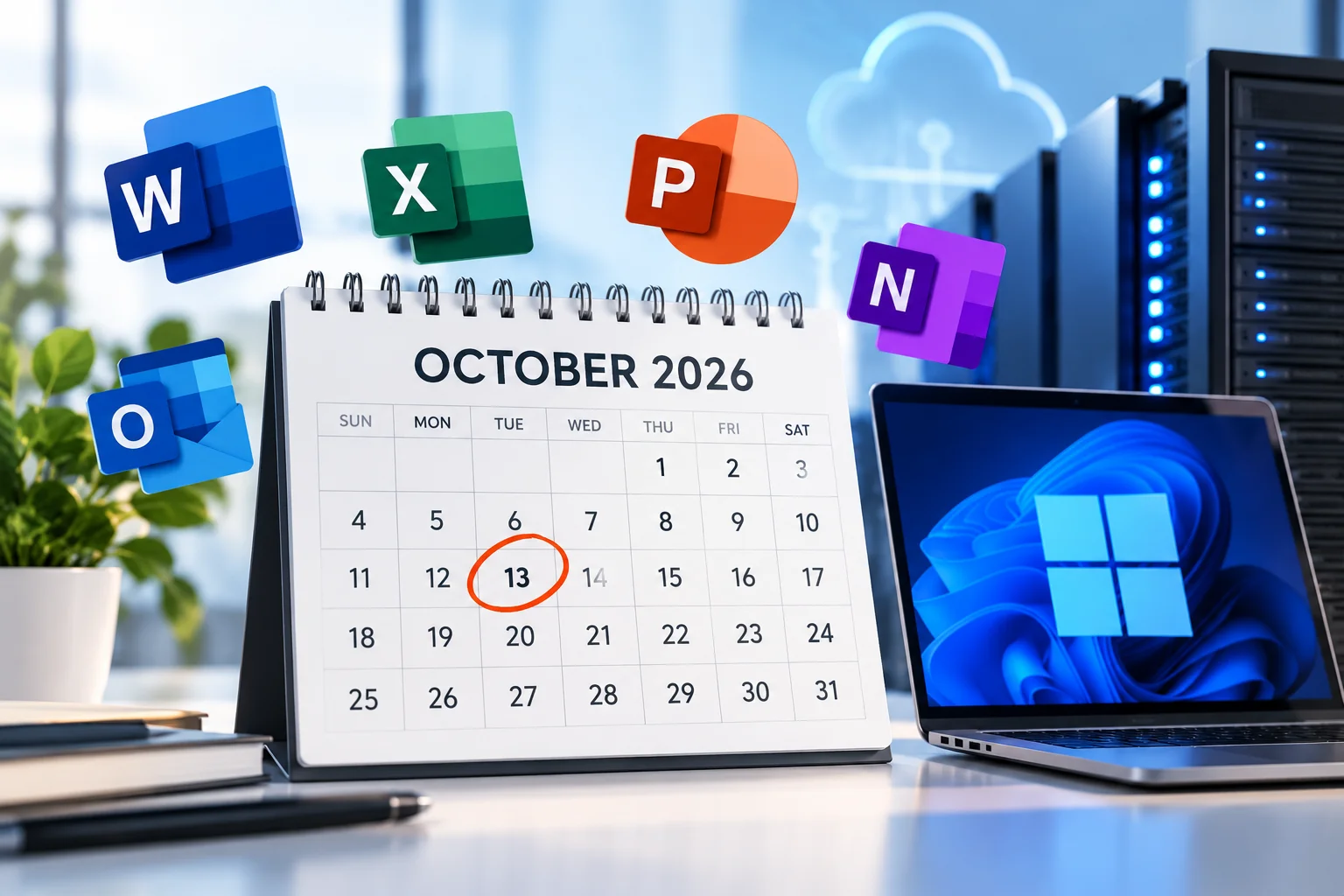
On October 13, 2026, Office 2021 is retired, Windows 11 Home and Pro version 24H2 reaches end of servicing, and the last paid security-update year for Windows Server 2012 and 2012 R2 ends.
Year one of paid Windows 10 Extended Security Updates also ends that day. Staying on Windows 10 costs more in year two, and the price keeps doubling.
Unsupported doesn't mean broken. It means unpatched, which is worse, because it looks fine right up until it isn't.
What Reaches Microsoft End of Support in October 2026
Microsoft publishes these dates well in advance, and TechRepublic and Windows Latest both rounded them up this summer. The October 13 list for most mid-market organizations:
Office 2021 and Office LTSC 2021. Word, Excel, Outlook, PowerPoint, Access, OneNote, Publisher, Project and Visio 2021 stop receiving security updates. If you bought "perpetual" Office a few years ago to avoid a subscription, this is the fine print.
Windows 11 Home and Pro, version 24H2. These devices need to move to a newer Windows 11 version to keep getting updates. Windows Latest notes that Enterprise and Education editions of 24H2 get an extra year.
Windows Server 2012 and 2012 R2. The third and final year of Extended Security Updates ends, and there is no year four. That old server running the one line-of-business app nobody wants to touch is now officially on its own.
Windows 10 Extended Security Updates, year one. Organizations that paid to keep Windows 10 patched past its October 2025 end of support now face the year-two renewal.
Windows Latest also flags October 31, 2026 as the end of the second extended-update period for Exchange Server 2016/2019 and Skype for Business Server 2015/2019. If you still host email on-premises, that's the second deadline on your list this month.
The Windows 10 Math Gets Worse Every Year
Microsoft's Extended Security Updates program page lays out the commercial pricing: $61 per device for year one, $122 for year two and $244 for year three. The updates are cumulative, so an organization that joins late pays for the years it missed.
For a 150-seat organization with 60 machines still on Windows 10, year two alone comes to about $7,300, and that pays only for security patches. It adds no features and no speed, and it doesn't make aging hardware any younger. A September 2026 analysis from ABT makes the same point: extended updates are a bridge, not a destination. At some point, the bridge costs more than the replacement.
Microsoft does offer Windows 10 extended updates at no extra cost for devices running in Windows 365 Cloud PCs and Azure Virtual Desktop. That can be a practical option for some workloads, but it's a migration project of its own, not a switch you flip.
Why "It Still Works" Is the Wrong Test
Unsupported software keeps running. That's what makes it dangerous. Every month after end of support, newly discovered vulnerabilities are published and fixed for current versions, which gives attackers a handy map of weaknesses that will never be patched on yours.
The business consequences show up in places leaders care about:
Cyber insurance. Many underwriters now ask about unsupported systems, and a "yes" can complicate renewals or claims. Check your policy language.
Compliance. Frameworks and regulators in healthcare, finance and the public sector generally expect supported, patched systems. Talk with your compliance team about how unsupported software affects your obligations.
Downtime. Vendors increasingly stop supporting their apps on retired platforms, so the next "quick fix" can turn into an emergency migration.

Your Two-Week Action List
You don't need to fix everything by October 13. You do need to know where you stand and have a plan. Here's a practical sequence:
Inventory what's affected. Pull a report of every device and server by operating system and version, plus every Office 2021 install. Include the PC in the warehouse office and the machine running the badge system.
Update Windows 11 24H2 devices. Home and Pro machines should move to a supported version. Usually this is the easiest win on the list.
Decide on Windows 10: renew, replace or move to the cloud. Compare the year-two cost against replacing hardware that is often already well past its prime.
Plan the Office move. Choose a supported version or a Microsoft 365 subscription, and confirm that add-ins and macros your team depends on still work.
Isolate what can't move yet. If a 2012 R2 server must stay online for now, limit its network access, restrict who can reach it, and watch it closely while you plan its replacement.
Put it in the 2027 budget. Hardware refreshes and licensing belong in this planning cycle, not next year's emergency fund.
How a Managed IT Partner Helps
End-of-support deadlines are exactly the kind of work that slips when your internal team is busy keeping the lights on. A managed IT services partner can run the inventory, handle patch management and upgrades, plan migrations around your business hours, and flag the next deadline before it becomes a fire drill. For organizations across Ontario, the Inland Empire and Southern California, that means fewer surprises and a clearer budget.
The Bottom Line
October 13 won't break anything overnight. But it marks the day several common Microsoft products stop getting patched, and for Windows 10 holdouts the cost of waiting doubles. A few hours of inventory and planning now can save you from an expensive scramble later.
Not sure what's still running in your environment? Intelesys offers a free, no-pressure assessment to map your end-of-support exposure and build a realistic upgrade plan. Call 909-295-7518 or reach out through our contact page.